Colour in art, pigments, contrasts and the blue that cost more than gold
From earth colours to Prussian blue and the paint tube, how artists got their colours, why ultramarine was so precious and how colour contrasts work on the eye.
Try “Vermeer”, “etching”, “hanging height” or “provenance”.
Tool
Load a photo of a painting, a room or a landscape. Your picture stays on your device, only the colours appear.
Every picture has a palette, the handful of colours that carry it. Palette Studio finds them by grouping similar pixels and measuring how much of the picture each group covers. Next to each colour you see its hex value and the classic artists’ pigment that comes closest, with its Colour Index name such as PB29 for ultramarine.
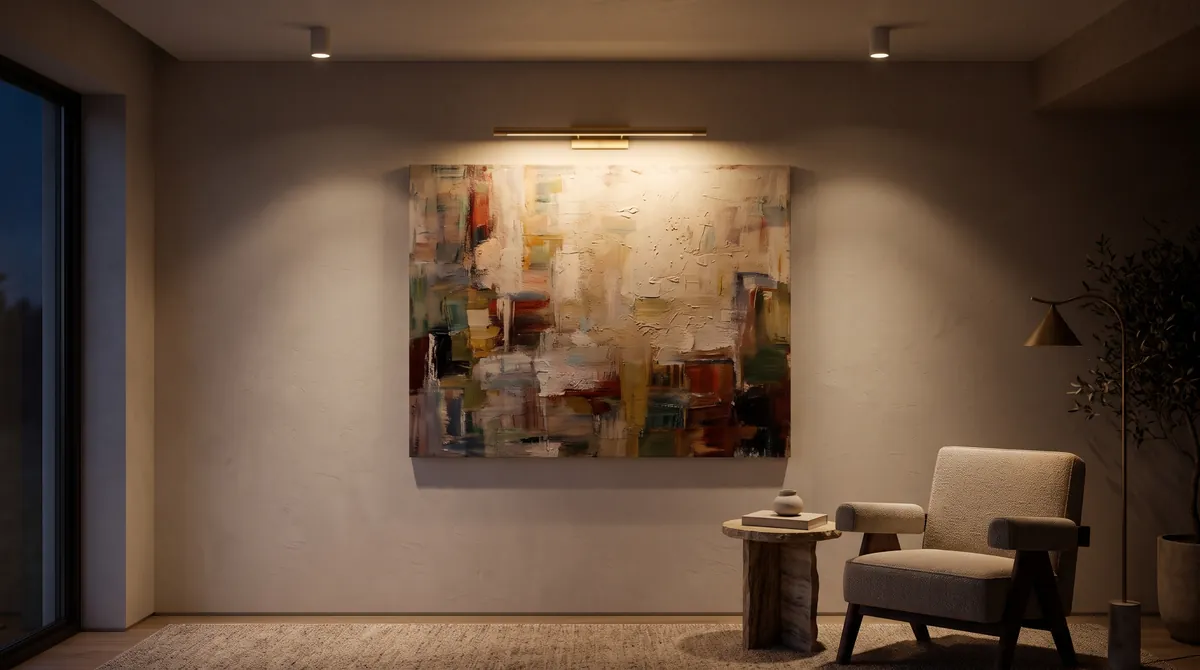
Palettes explain why a room feels calm or restless, and why some pictures sit beautifully on a wall while others fight with it. Painters have always worked with limited palettes; seeing one isolated from the picture trains your eye for colour relationships, warm against cool, light against dark. Our article on colour and pigments tells the story behind the names.
Photograph a work you own or are thinking of buying, load the photo and compare its palette with your wall, textiles and furniture. Screens and phone cameras shift colours, so treat the result as a guide and check in daylight.
No. The image is opened by your browser, drawn onto a small canvas on your device and analysed there. Nothing is sent to arisano or anywhere else, and the picture is gone as soon as you close or reload the page.
Read more
From earth colours to Prussian blue and the paint tube, how artists got their colours, why ultramarine was so precious and how colour contrasts work on the eye.
Every paint is coloured powder held in a binder. Learn how egg, oil, gum and polymer shape the look of a picture, and how to tell them apart.
How to choose colour temperature, beam angles and fittings so that paintings, prints and sculpture look their best at home, without fading or glare.